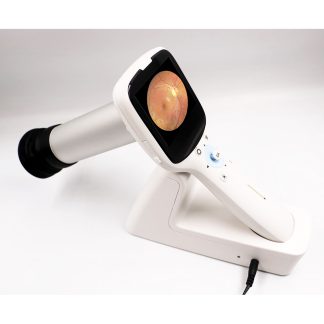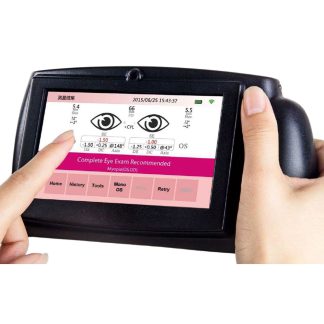
You already use a PanOptic ophthalmoscope because the 25° field of view and 5× magnification do something a standard direct ophthalmoscope can’t — they let you see clinically useful retinal anatomy on an undilated patient in seconds. The question most clinicians get stuck on is what to do with that view once you see something worth documenting. You can’t hand the patient your eyepiece and you can’t dictate “0.4 cup-to-disc with a small drusen” into the chart and expect it to mean anything next visit. That’s where a smartphone adapter changes the entire exam.
What a smartphone adapter actually does
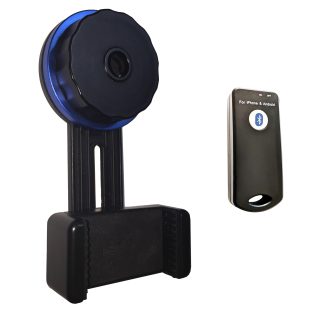
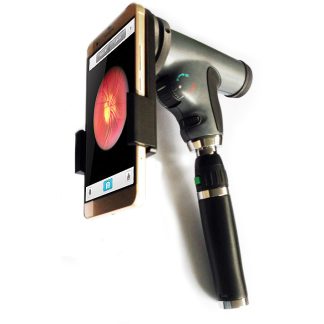
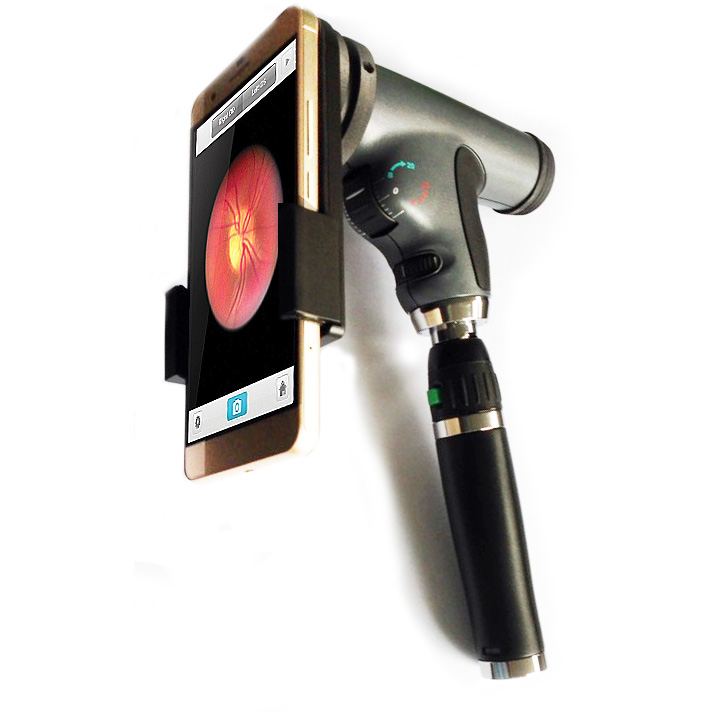 A PanOptic adapter is a precisely-machined bracket that aligns your phone’s camera lens with the PanOptic eyepiece. It’s not a teleconverter and it’s not magic — it just holds the optics on-axis so your camera sees what your eye saw. Once aligned, you can capture stills or short video of the fundus, optic nerve, and macula, then drop those files into the chart, send them to a retina consult, or compare them visit-to-visit.
The clinical use cases are concrete: documenting suspicious nerves before referral, tracking a patient with a small drusen between annual visits, sending a HIPAA-compliant image to a specialist to triage urgency, or simply showing the patient what you’re looking at so they understand the plan. None of this requires a $20,000 fundus camera. It requires a $400 adapter and a phone you already own. Browse our PanOptic-compatible accessories to see what fits your specific head.
iPhone vs. Android — does it matter?
For PanOptic adapters specifically, yes. The Welch Allyn PanOptic eyepiece geometry is fixed, but phone camera modules are not. iPhone adapters tend to fit a narrower range of models because the camera bump and lens spacing matter for alignment. Android adapters are usually offered in a “universal” form with adjustable jaws to accommodate the wider variety of camera placements across Samsung, Pixel, and OnePlus devices. Before you order, confirm three things: your exact phone model and case configuration, whether your PanOptic head is the original PanOptic or the PanOptic Plus, and whether you want a single-phone adapter or a universal cradle for a shared clinic device.
What to look for in a quality adapter
A bad adapter is worse than no adapter — it adds wiggle, drifts off-axis between exams, and produces blurry images that nobody trusts. Before you buy, verify the following:
Machined metal construction, not 3D-printed plastic. Plastic flexes under spring tension and shifts alignment after a few months of clinic use. A solid metal adapter holds its tolerance for years.
Spring-loaded or locking phone clamp, not friction-fit. You will drop the phone if it’s friction-fit, usually onto the patient. A spring clamp with a positive lock keeps the device captured during real exams.
Compatibility with the PanOptic eyepiece you actually own. Older PanOptic heads (pre-2015) have slightly different eyepiece geometry than the PanOptic Plus. Ask the vendor.
A return policy if alignment is off on arrival. Optical alignment is not subjective — either your images are centered and sharp or they aren’t.
When the adapter isn’t enough
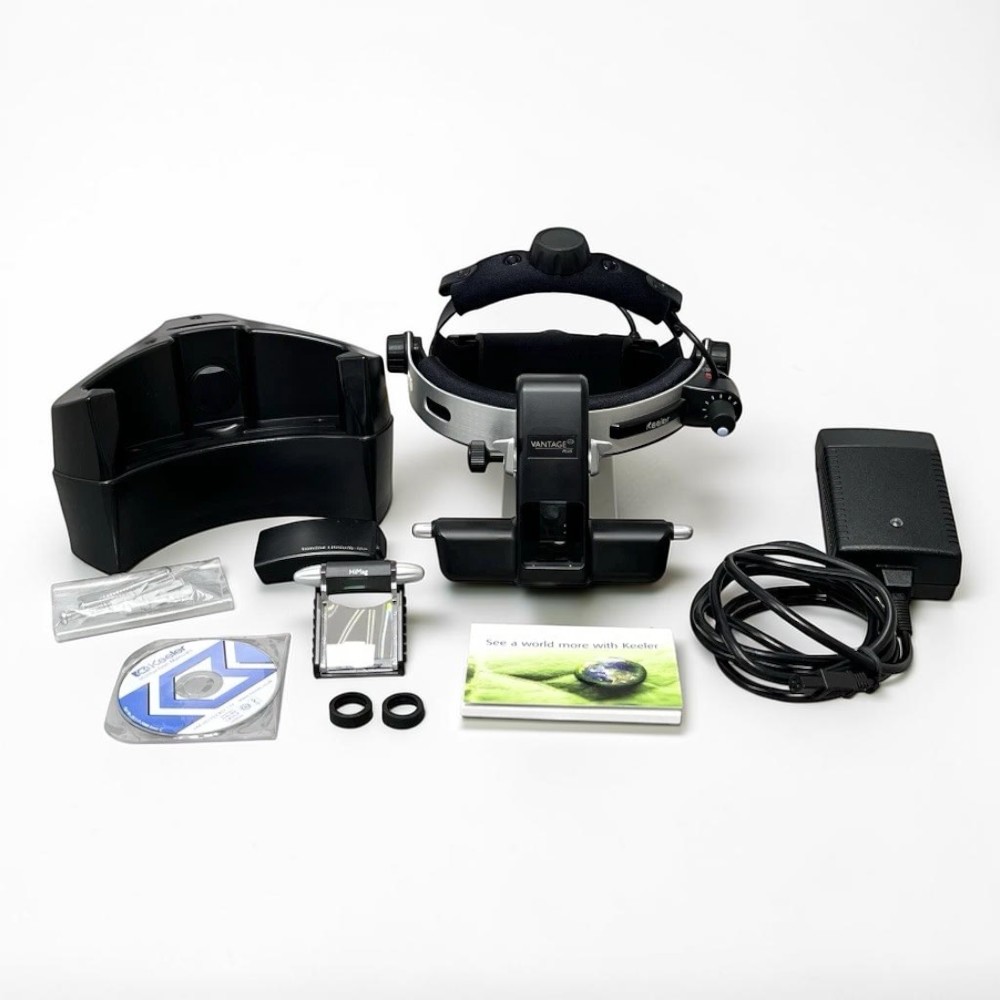 A smartphone-mounted PanOptic is great for documentation and undilated screening, but it has limits. If you’re doing serial macular tracking on a wet AMD patient or evaluating peripheral retina for tears, you need either a dedicated fundus camera or a binocular indirect ophthalmoscope (BIO) for the periphery. Both have their place — the BIO gives you the stereoscopic peripheral view that no PanOptic can deliver, and a refurbished BIO is often a smaller capital expense than people assume. We stock Keeler Vantage Plus LED Wireless BIO and Heine Omega 500 BIO units that get used in busy clinics every day.
Currently in stock
If you’re upgrading or building a PanOptic-based screening workflow, these are the related units we have available right now:
Panoptic Ophthalmoscope Smartphone Adapter — for capturing PanOptic-view fundus images on your phone.
Keeler Vantage Plus LED Wireless BIO — for stereo peripheral views the PanOptic can’t reach.
Heine Omega 500 Wired BIO — proven workhorse option for daily clinic use.
Every used and refurbished unit we sell is inspected, cleaned, and verified by a certified ophthalmic technician before it ships from Florida. Used units carry a 90-day warranty; refurbished units carry six months.
Call 305-771-4562 with your phone model and PanOptic head version — we’ll confirm the right adapter on the call rather than have you guess from a part number. You can also contact us here or browse our full Anterior Photography inventory.