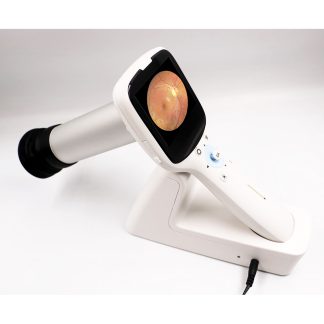
You’re pricing a corneal topographer and one vendor is quoting a Placido-disc unit while another insists you need Scheimpflug tomography for twice the money. The two aren’t interchangeable, and buying the wrong one means either overpaying for data you’ll never use or missing the posterior-surface detail your corneal cases actually need. Here’s how to decide.
Placido disc or Scheimpflug — settle this first
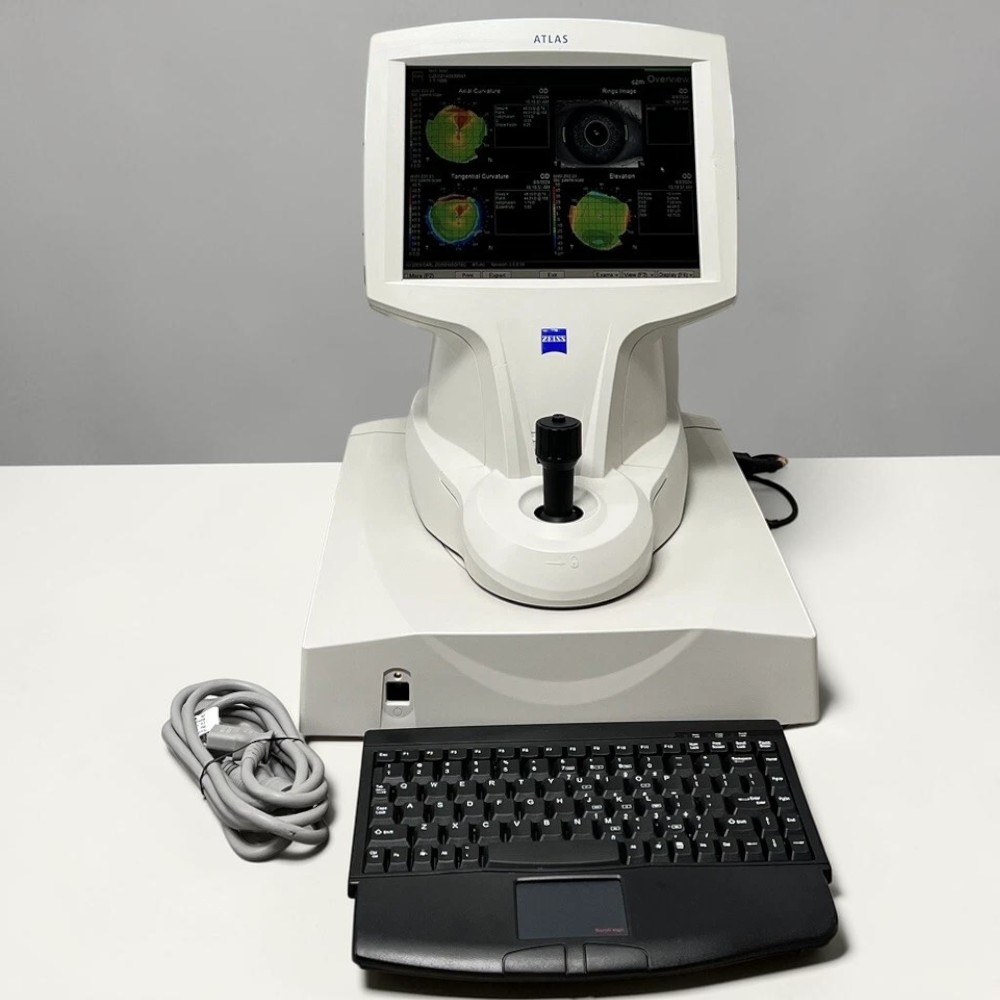 A Placido-disc topographer reads the reflection of concentric rings off the anterior corneal surface. That covers the vast majority of primary-care work: contact lens fitting, dry-eye surface mapping, LASIK screening, and monitoring known astigmatism. A Scheimpflug system adds a rotating camera that images cross-sections front to back, so it also characterizes the posterior cornea and true pachymetry.
The practical rule: if you refer out complex ectasia and mostly fit lenses and screen refractive candidates, a Placido unit like the Zeiss Atlas 9000 does everything you need and costs far less to own. If you manage keratoconus in-house and follow progression, posterior elevation from a Scheimpflug tomographer earns its price. Don’t let a vendor upsell you to tomography for a lane that never touches it.
The specs that separate useful units from frustrating ones
Elevation accuracy and ring count
Ring density drives how much surface detail you capture. The Atlas 9000’s 22-ring Placido cone with its Arc-Step algorithm delivers sub-micron elevation accuracy — enough to trust your contact-lens sag calculations and catch subtle irregular astigmatism. Below about 18 rings, peripheral data thins out fast on steep corneas.
Contact-lens fitting software
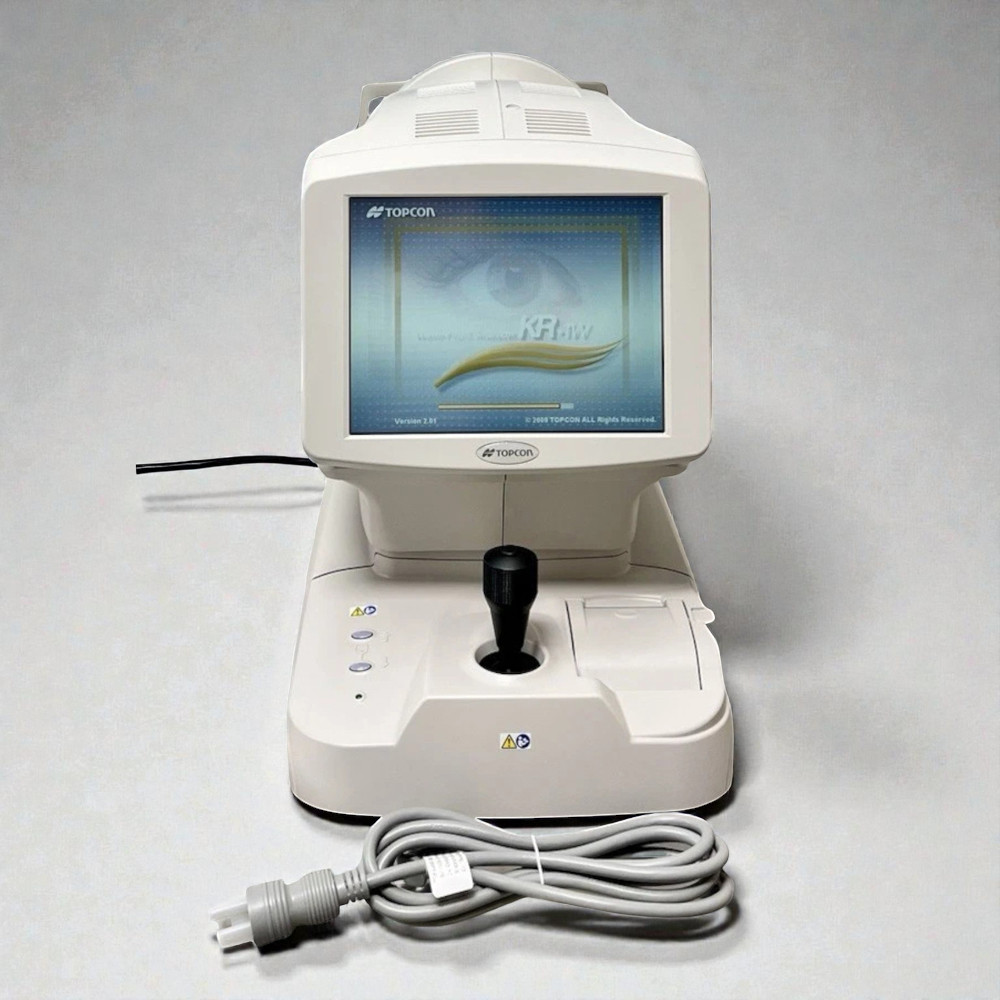
If lens fitting is why you’re buying, the software matters more than the optics. Built-in modules like Zeiss MasterFit or the wavefront-driven maps on the Topcon KR-1W turn a topography capture into a starting GP or scleral fit in one step. A unit without fitting software is just a pretty map.
Operating system and EMR path
 This is the spec most buyers ignore and later regret. Many used topographers still run Windows XP. That’s fine on an air-gapped exam-lane PC, but if you need the unit on your network or exporting to an EMR, confirm a Windows 10 build exists — DEC stocks the Atlas 9000 on Windows 10 specifically for practices that need modern connectivity. Ask how images leave the device before you buy, not after.
New vs. refurbished — what to actually check
Topographers are optically simple and age well, which makes refurbished units a strong value — but only if the right things were verified. Before you commit, ask the seller:
• Was the Placido cone inspected for scratches or ring distortion, and captured on a test surface after cleaning?
• Does the alignment and focus system still hit target reliably, or does it drift?
• What Windows build is installed, and can it reach your network or EMR if you need that?
• Is the contact-lens or wavefront software licensed and activated on this unit?
• What warranty is included, and what does it cover?
Which unit fits your practice
A busy optometric practice doing daily contact-lens work and refractive screening is well served by a Placido system with strong fitting software — the Atlas 9000 is the reference point here. A cornea-focused practice tracking keratoconus wants posterior data and should budget for Scheimpflug tomography instead. And a combined lane that also needs autorefraction and aberrometry can consolidate instruments with a wavefront analyzer like the KR-1W rather than buying two boxes.
Currently in stock at Digital Eye Center: the Zeiss Atlas 9000 (Windows 10), the refurbished Zeiss Atlas 9000, and the Topcon KR-1W WaveFront Analyzer.
Every refurbished topographer we sell is inspected and verified by a certified ophthalmic equipment technician before it ships, and each unit ships from Florida within 2–3 business days with a warranty.
Call us at 305-771-4562 and tell us what you’re fitting and whether you need the unit on your network — we’ll point you to the right Windows build and configuration, or you can contact us here. Prefer to browse first? See our full topographer inventory.