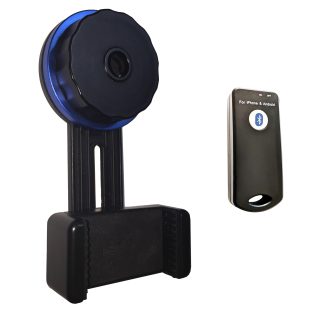
You want to record cases off your surgical microscope or capture anterior segment images from your slit lamp, and the quotes you’re getting name three different parts you’ve never had to think about. A c mount camera adapter is usually the piece that makes it work — but only if it matches your scope’s port and the camera you plan to hang off it. Here’s how the parts fit.
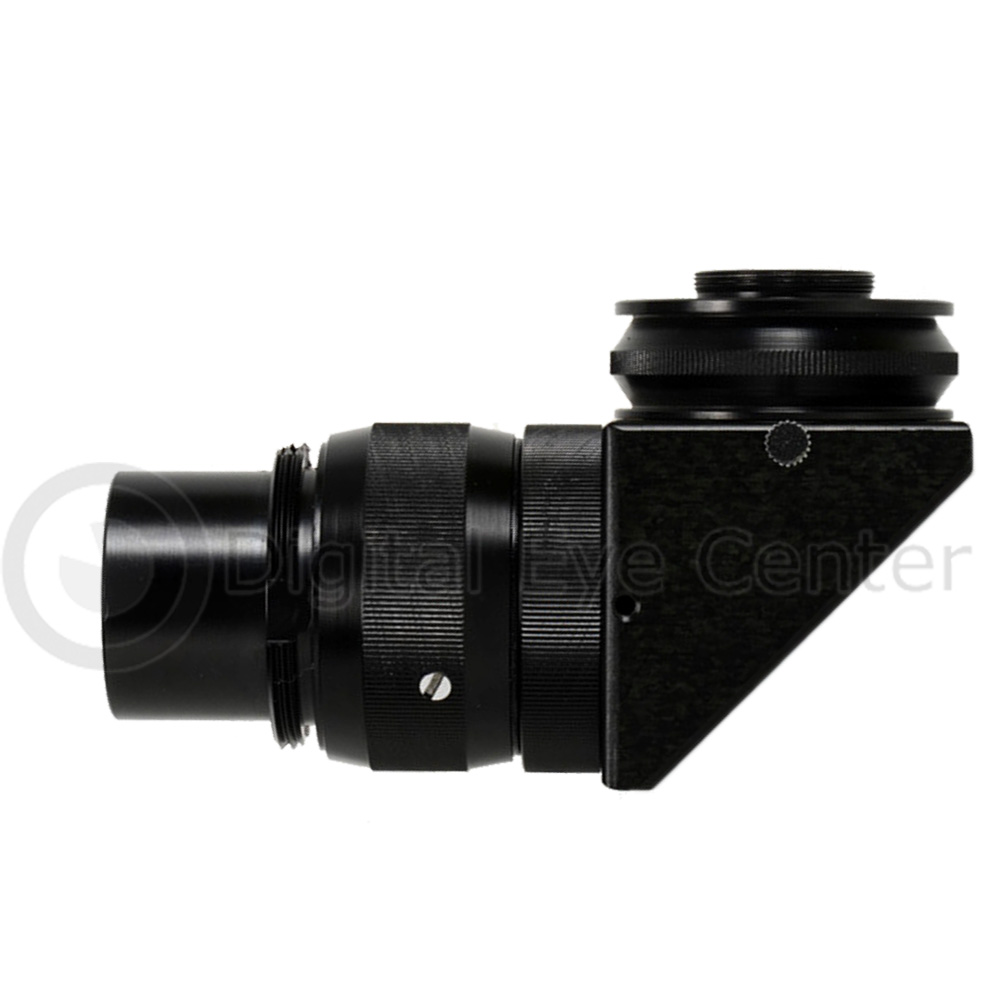 Getting video off an optical instrument is a chain: the microscope or slit lamp splits the light, an adapter carries the image to a mount, and a camera sits on that mount. Break the chain at any link — wrong port, wrong thread, wrong sensor — and you get vignetting, soft focus, or a camera that physically won’t seat. Before you buy anything, figure out which link you’re actually missing.
Do you already have a beam splitter, or do you need one too?
The beam splitter is the optical junction that diverts part of the light path to a camera port without darkening what the surgeon or clinician sees down the eyepieces. Many Zeiss, Leica, Topcon, and Marco microscopes were sold without one. If your scope has no free camera port, an adapter alone won’t help — you need a beam splitter and camera set built for that specific body, like the Topcon/Zeiss/Marco Beam Splitter Set or the Leica Microscope Beam Splitter and Camera set.
If you already have a free port, you’re only shopping for the adapter and camera. That’s the cheaper path — confirm it before you spec a full beam splitter kit you don’t need.
Which mount and camera are you feeding?
C-mount is the safe default
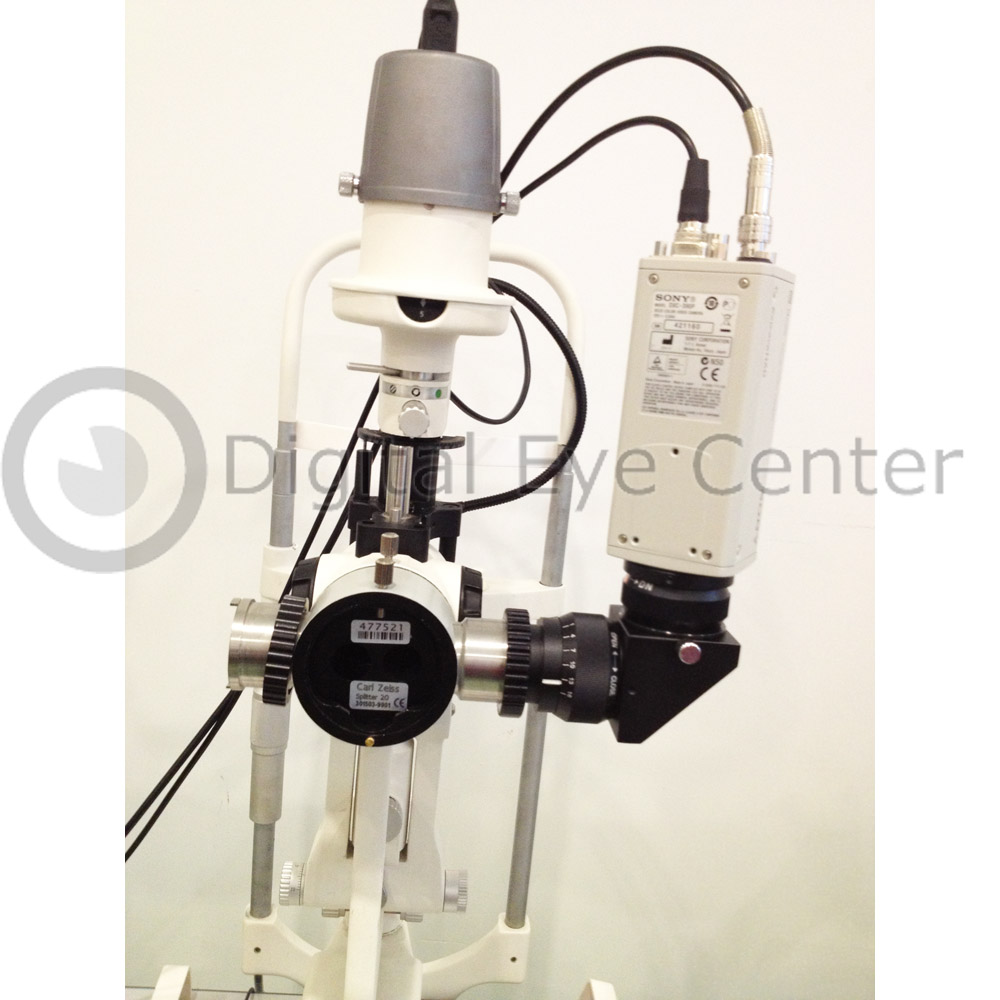 C-mount is a universal 1-inch thread standard. A C-mount adapter fits almost any camera port and accepts any C-mount or 1/3-inch CCD/CMOS video camera without an extra step. If you’re standardizing across more than one instrument, C-mount keeps your options open — a Microscope Video Camera Adapter for C-mount pairs with hardware you can replace independently down the line.
Match the focal length to the sensor
The adapter’s focal length has to suit your sensor size or you’ll lose the edges of the field or shrink the image to a small circle in the frame. Full HD (1920×1080) capture is worth it if you review cases, teach residents, or keep footage for the record — a C-mount Full HD adapter gives you detail that a legacy standard-def rig can’t. Adapters with their own focus ring and iris let you tune sharpness and exposure independently of the scope’s optics.
Where does the video actually go?
Decide the output before you buy the camera. A live monitor in the OR is a different signal chain than archived files for teaching or medicolegal use. If you need reliable recording, a dedicated unit such as the Teac UR-4MD medical video recorder captures to standard media without a PC in the sterile field. For a Zeiss body specifically, the Zeiss C-mount video camera adapter set bundles the port, adapter, and camera so the compatibility question is already answered.
What to verify before you order
- What is the exact make and model of your microscope or slit lamp — and does it already have a free camera port?
- Is the port C-mount, or a proprietary bayonet that needs a brand-specific adapter?
- What sensor size is your camera (1/3-inch, 1/2-inch, full-frame), and does the adapter’s focal length match it?
- Do you need live output, recorded files, or both — and what format does your teaching or records system expect?
- Is the assembly mechanically stable, with no wobble that shifts alignment between cases?
Currently in stock: Microscope Video Camera Adapter for C-mount, C-mount Full HD adapter, Topcon/Zeiss/Marco Beam Splitter Set, and the Teac UR-4MD recorder.
Every adapter and beam splitter set we sell is matched to a specific instrument and inspected before it ships from Florida, so the parts seat and hold alignment out of the box.
Tell us the make and model of your scope or slit lamp and what you want to do with the video, and we’ll confirm the exact adapter and camera that fit — call 305-771-4562 or contact us here. You can also browse our full surgical microscope beam splitter and camera inventory.